Revionics
A no-code workflow builder that turned a 90-minute weekly routine into a 30-minute one-off setup.
Enterprise,B2B, SaaS
Workflow Automation
Role
Senior Product Designer
Timeline
Q3 2022 to Q4 2023
team
4 senior designers, UX research team, PM, Engineering leads
platform
Web
It started as ordinary product work.
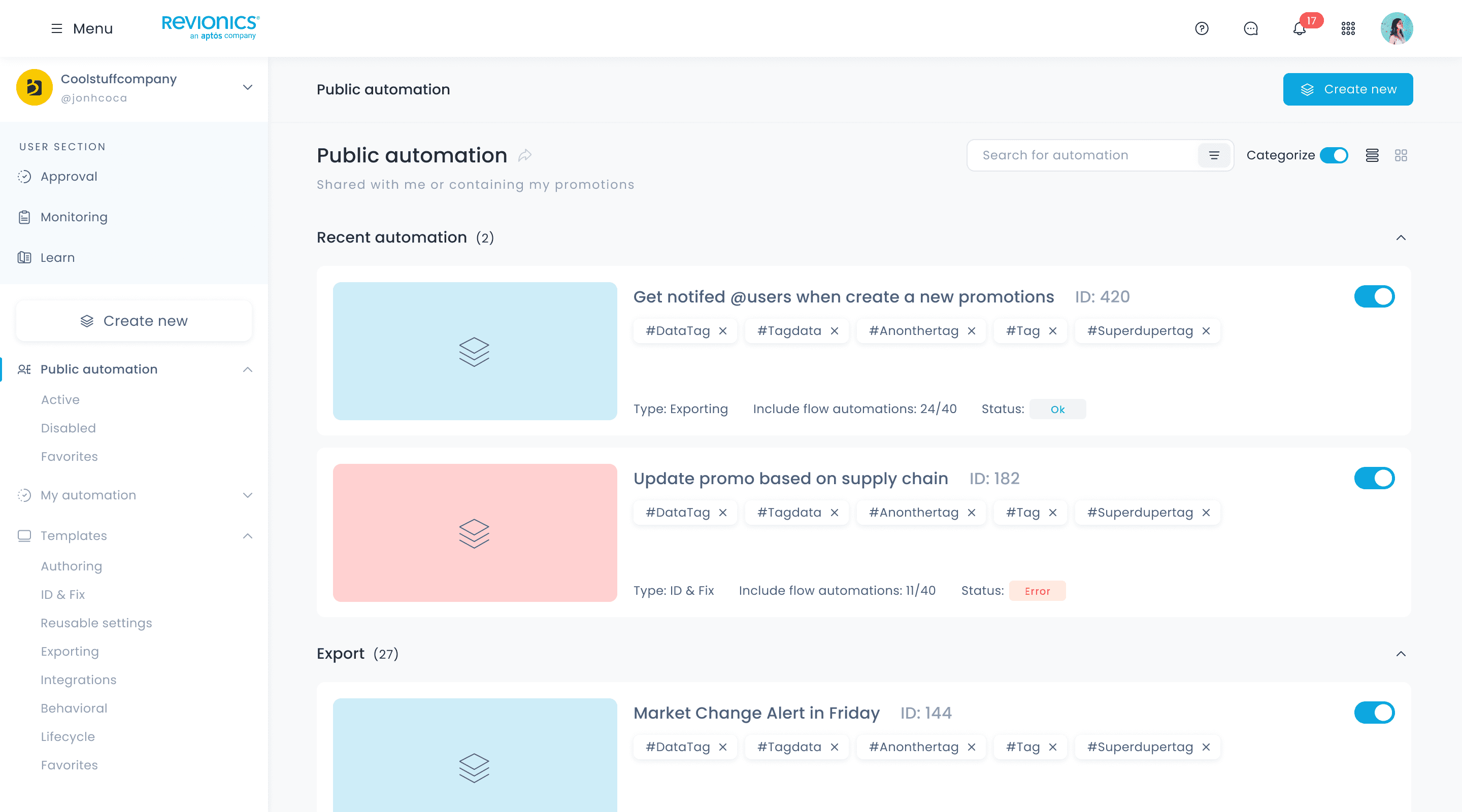
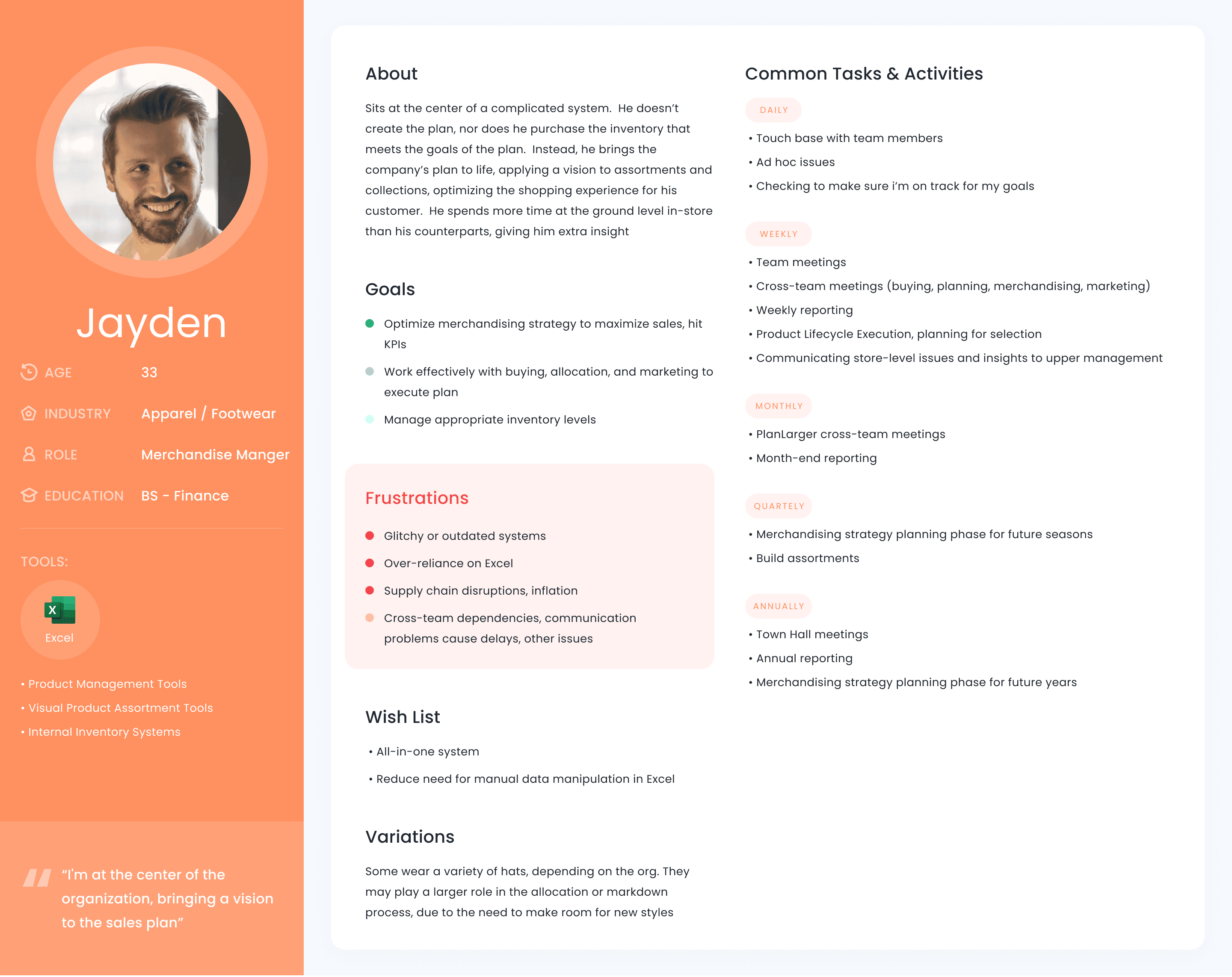
Revionics is an enterprise pricing platform used by retailers like Ahold Delhaize, Leroy Merlin and Family Dollar to optimise pricing, promotions and markdowns at scale. A typical customer runs over 100,000 SKUs across thousands of stores.
We started with fairly standard product work: redesign parts of the product, rethink existing flows, improve individual screens. Normal work for a product team. The Automation Engine, a no-code workflow builder for routine operational tasks, grew out of that work. I led it from the first concept to the final design.
My role: concept definition, UX research with the research team, logic and UI design.
Every Friday, 90 minutes on the same report.
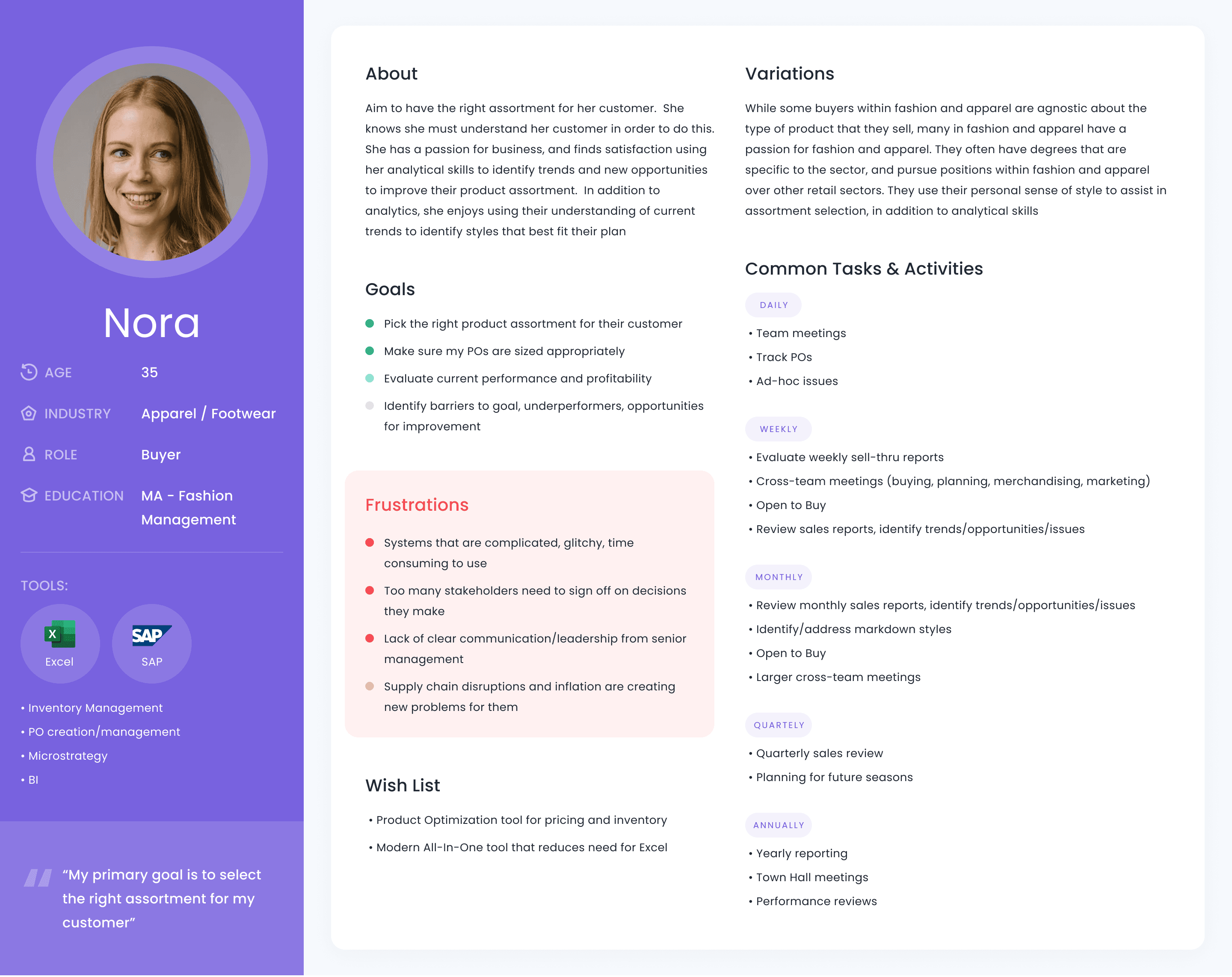
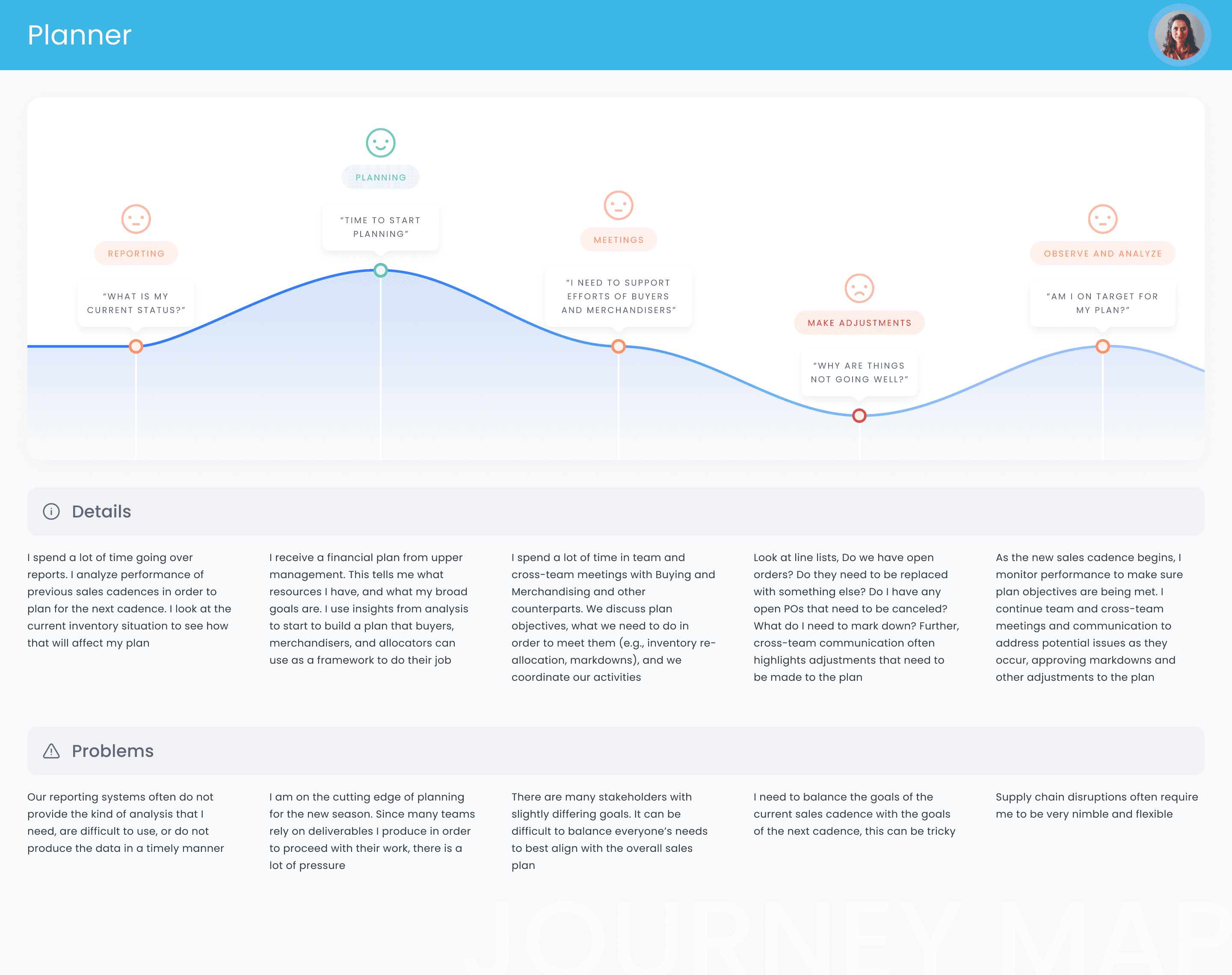
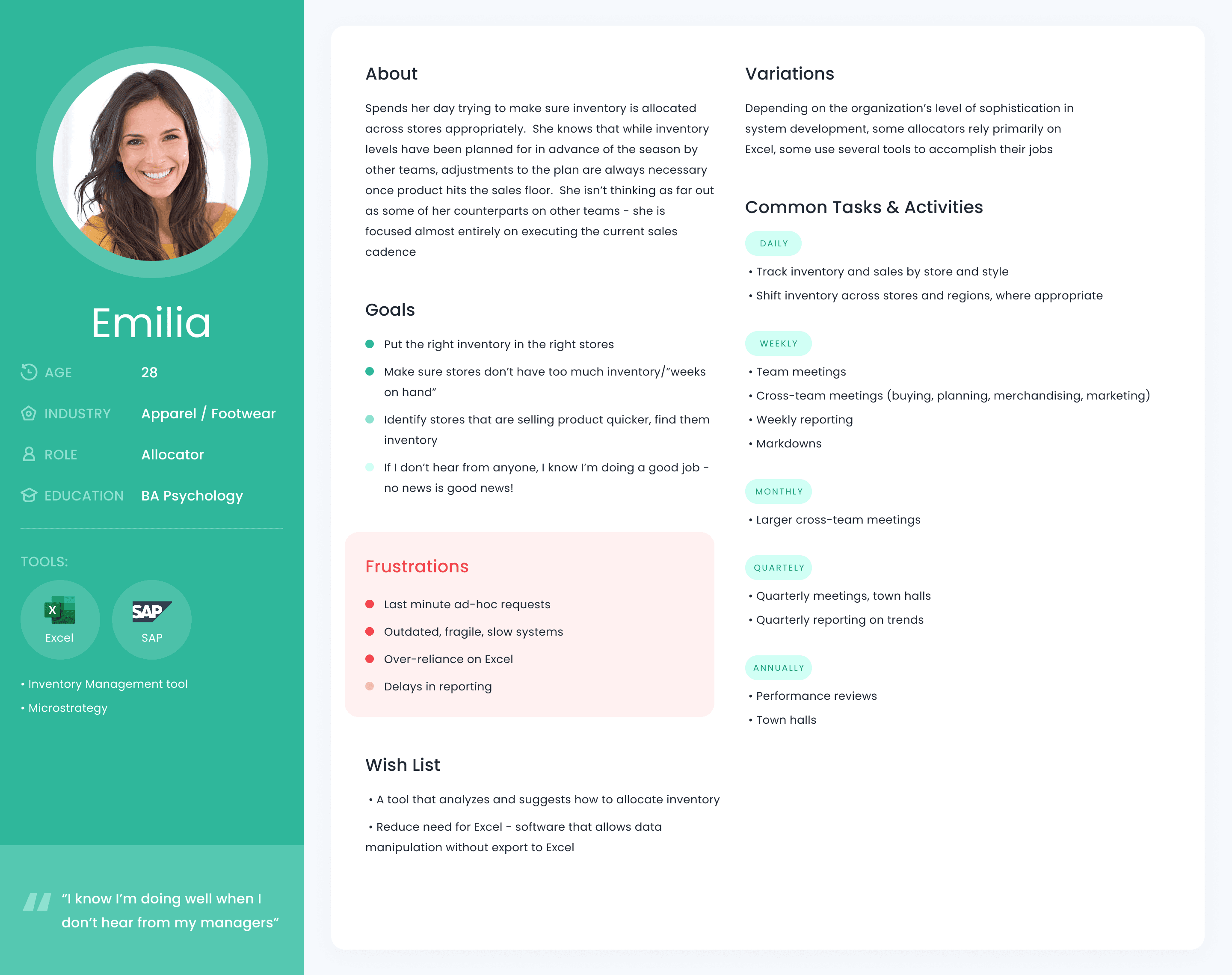
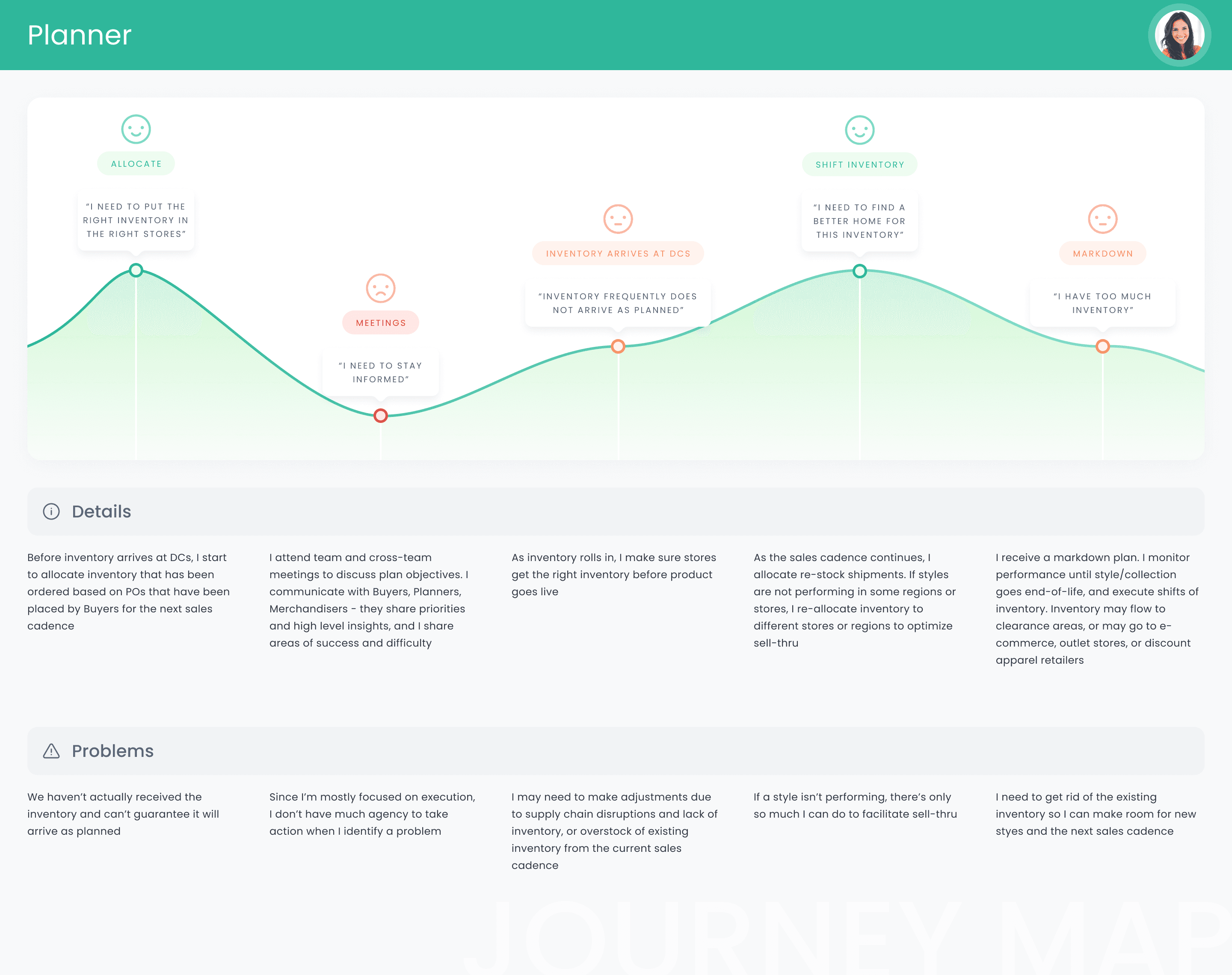
On one of our regular calls, the UX research team shared an insight from their work. Across a large number of users on the platform, they saw the same pattern: people spent a lot of time on manual actions to finish relatively simple tasks.
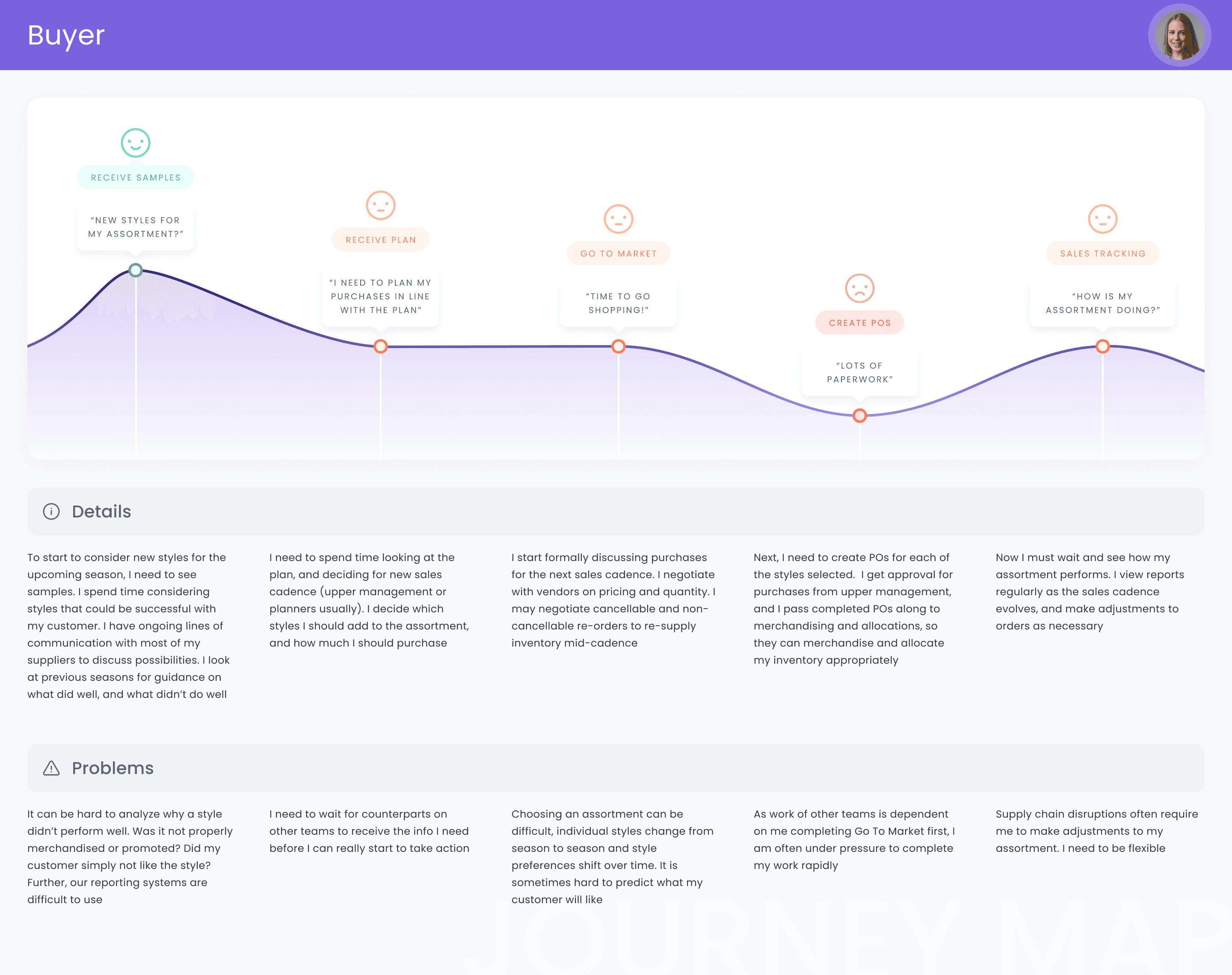
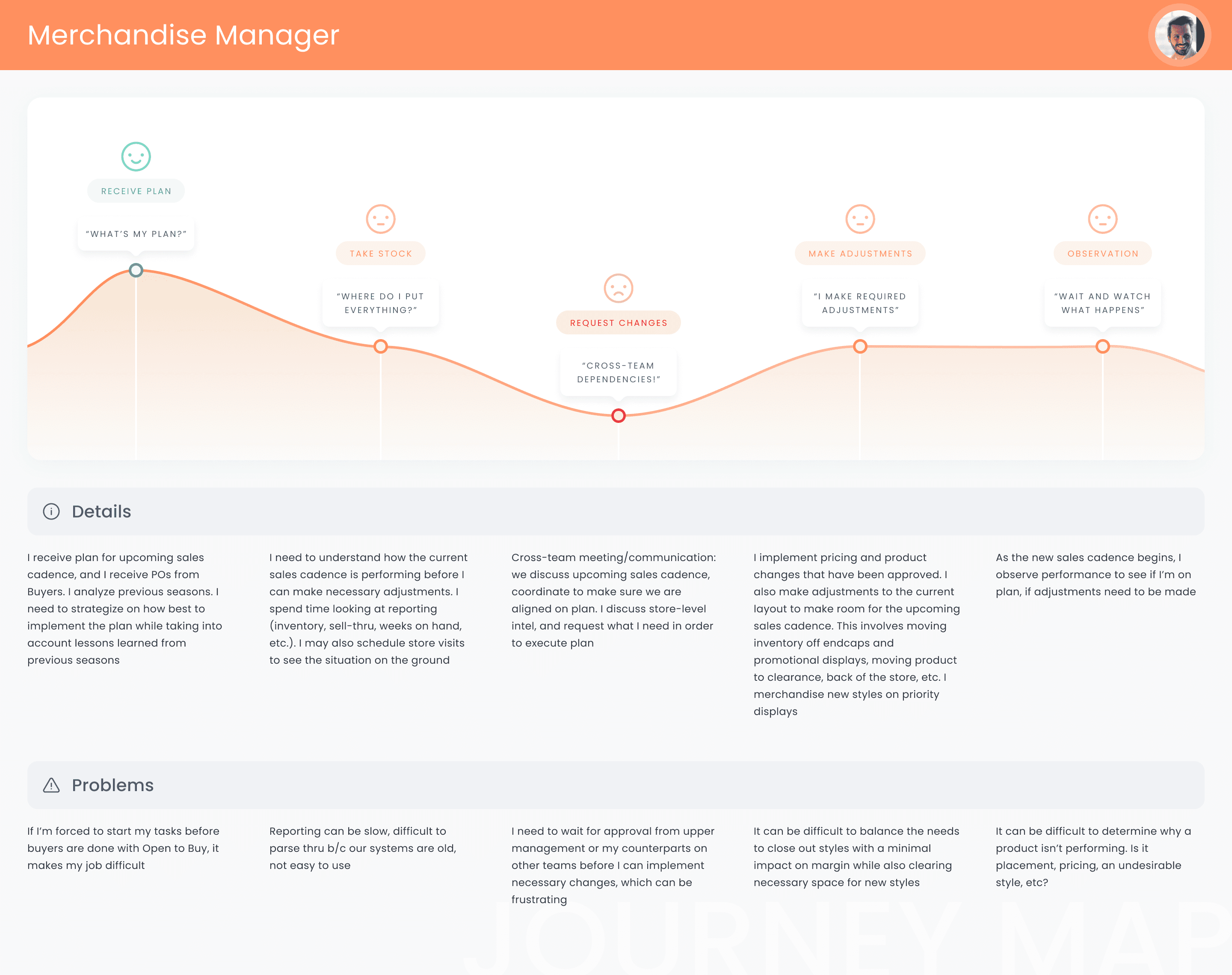
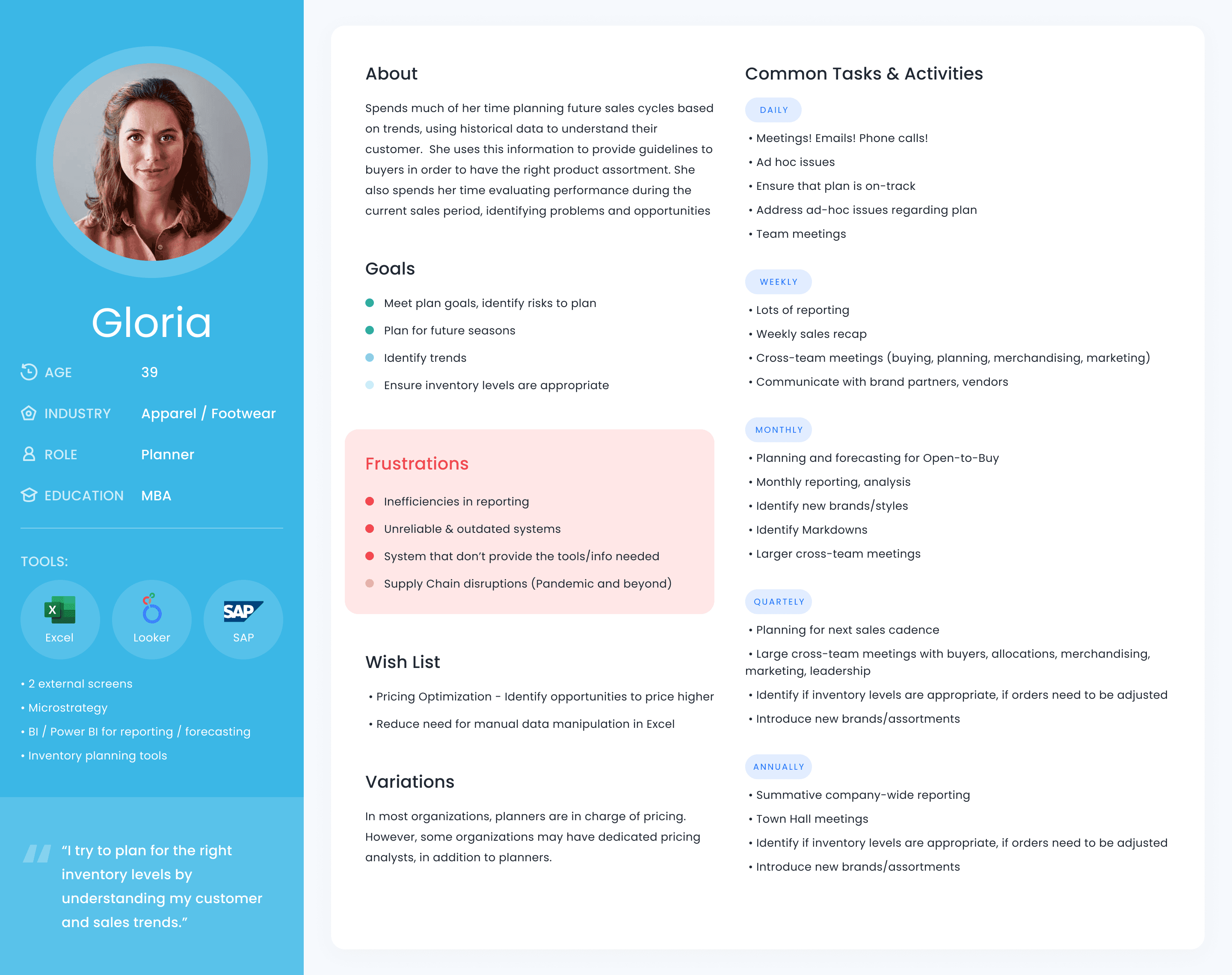
Gloria, who worked in Sales, was a clear example. Every Friday she put together a report, sent it to six managers and two technical leads for validation, made changes, moved the data into Excel and sent it back for review again. The whole process took around 90 minutes.
Gloria was not an exception. Other users repeated more or less the same operational tasks. That is when we started asking: if these processes are this repetitive, can we automate them?
Around 90 minutes, every week, on one recurring report.
Users did not need more shortcuts. They needed to see the logic.
The first idea was keyboard shortcuts. Research shows that with enough practice, shortcuts become faster than menus. But it also shows that people often do not use them, even when they know they are faster. For a less technical user there is an extra cost: you need to know the combination, remember it and recall it at the right moment. So a shortcut can be objectively more efficient and still go unused.
That gave us the key insight. Users did not need more shortcuts. They needed a more visual way to express the same logic.
I looked at patterns I already knew from other products: Shortcuts on macOS and iOS, and the way sequences of actions work in DaVinci Resolve. The principle I took from them: do not make people memorise commands. Show them the whole logic of the process and let them control it directly.
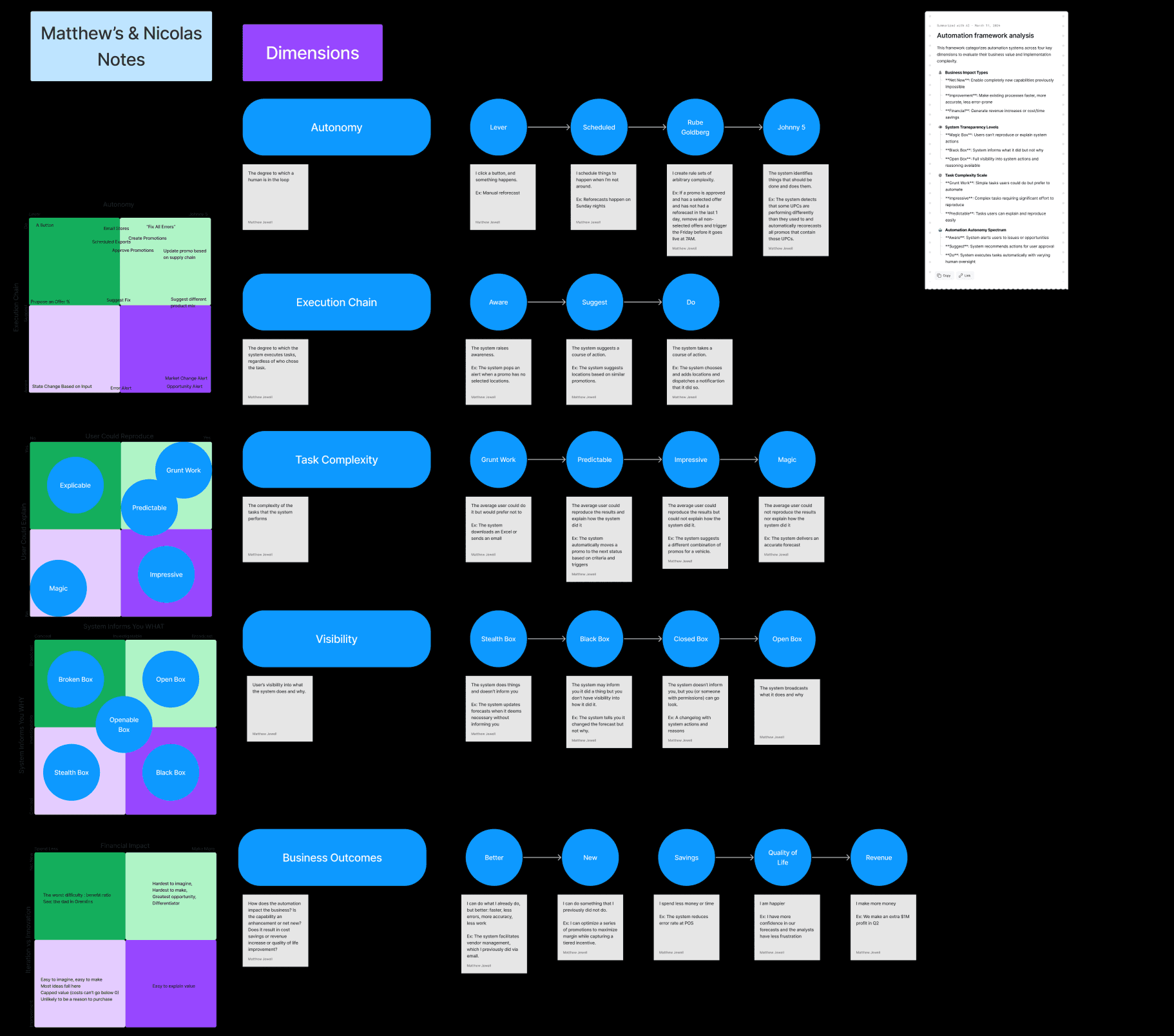
I led this direction from the design side. I shaped the core concepts, brought them into workshops with the UX, Product and Design teams, filtered the ideas together with them, and then made the key design decisions. We did not start with UI. First we defined the automation model: what exactly the user automates, what actions a workflow consists of, and how the user should assemble it.
We did not start with UI. We defined the automation model first.
Presets, a central page, then nodes.
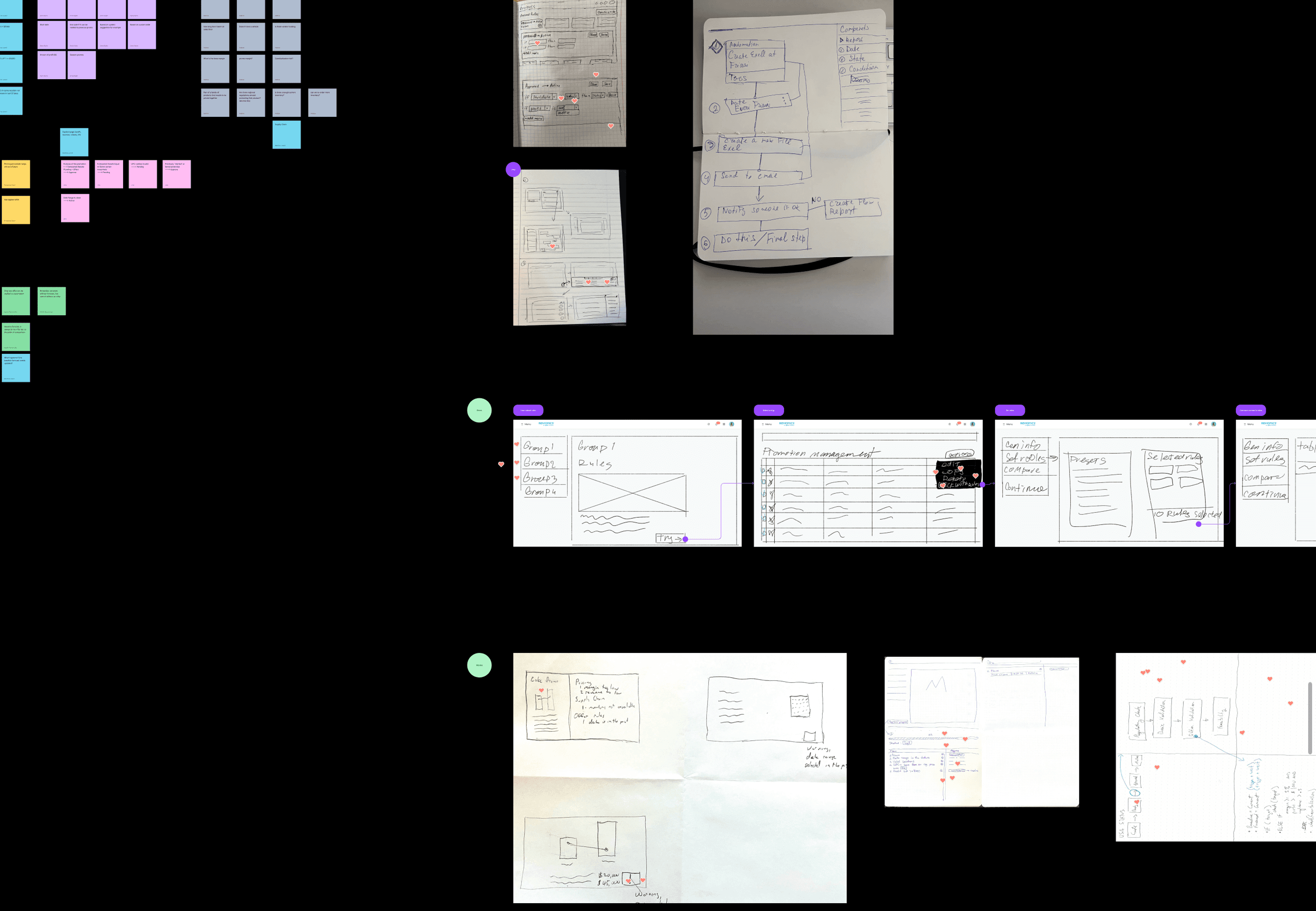
After quick sketches we agreed on a simple structure: where the user creates an automation, how they set the sequence of actions, how they choose parameters, and how they understand the result. Then we explored three interface models.
Presets. A dropdown with ready-made automations in the existing right sidebar. Fast and relatively cheap, but too limited. Different managers had different tasks, databases and processes, and presets prepared in advance could not cover real scenarios.
Centralised configuration. A separate page to manage automations. It gave more space for setup, but we hit the same problem: different data sources and user contexts were hard to connect.
Node-based workflow. The whole structure of an automation shown visually on a canvas, with individual actions connected to each other. I shaped this concept, brought it to the team, defended it in workshops, improved it with their feedback and took it through to the finished product.
Instead of memorising commands, users assembled a sequence of actions and saw exactly how it would run.
A canvas you can read, and a test run before anything runs.
The core of the interface became a workflow canvas with a clear, linear sequence of actions. The user could see what they wanted to do, how the workflow was built, and what exactly the system would run.
On the right, a contextual sidebar showed only the parameters relevant to the user's area, for example Sales or Support. In the first three iterations we also tried a floating bar and a floating sidebar. They caused problems with spatial anchoring and with interaction on the canvas, so we fixed the main controls on the left and kept the right side contextual.
Run Check became a separate part of the solution. Users wanted to understand the result of an automation before it actually ran. A test run showed the expected result, including the points where extra validation was needed. Automation stopped being a black box.
Build, check, see the result, validate, run.

90 minutes every week became 30 minutes, once.
The user spent around 30 minutes assembling the full workflow once and setting the parameters they needed. After that, they no longer repeated the process by hand. The system ran the actions on its own and sent a notification when something needed checking. At that point the data still had to go into Excel, so we did not remove every manual step. But the main routine moved inside the product.
The result from user testing said even more. After several iterations and sessions, the share of users who went from zero experience with automation to building a working workflow on their own rose noticeably. The team reported this to us on a call. From memory, it went from about half of the participants to nearly all of them. After this many years I cannot confirm the exact figure, so I treat it as directional.
The project also coincided with a business result: the client extended the contract for another year. I do not link that only to this automation, because we had no way to measure its effect on the client's decision in isolation. I left the company a long time ago, but I still keep in touch with former colleagues. The product is still developing, and some of the decisions from that period are still in use.
For me, the most important part happened early. Through UX research we found a problem users did not see as a problem: they had simply got used to spending 90 minutes every week on the same process. We defined the automation model first, tested different interaction approaches, hit the limits of shortcuts and presets, and arrived at a no-code model. What used to be a sequence of manual actions became a visual workflow you build once, check, and then let run.
We changed how users related to the task, not just the interface.